




DanAtuch

NotThePhantom
mubeenkachi
Adex-Lynx
Voiture-Lumiere

THoRSnoW

An-ti-Tr-ust

qij-the-gold
Priapus2
WastedLessons

Porky-V2

drumss
Collection
Favourites











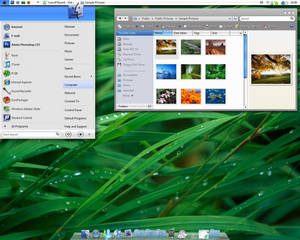








Deviation Spotlight

- Indonesia
- Deviant for 16 years
- He / Him
Badges

My Bio
Current Residence: Makassar
Favourite genre of music: Gothic Rock
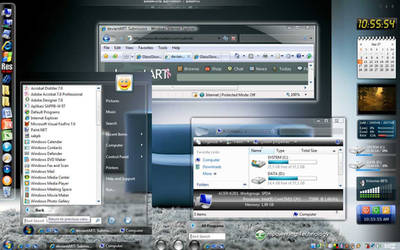
Operating System: Vista Ultimate x86
MP3 player of choice: yg murah
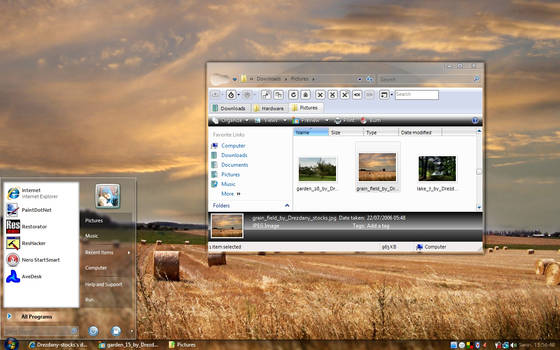
Wallpaper of choice: landscape
Favourite cartoon character: Ran & Stimpy
Favourite genre of music: Gothic Rock
Operating System: Vista Ultimate x86
MP3 player of choice: yg murah
Wallpaper of choice: landscape
Favourite cartoon character: Ran & Stimpy
Favourite Movies
Ju On ...
Favourite Bands / Musical Artists
Breaking Benjamin
Favourite Games
Snake Eater, Silent Hill, Forbidden Sirens...
Other Interests
Ngutak ngatik komputer...
Profile Comments 21
Join the community to add your comment. Already a deviant? Log In

Like the Glass Glow theme.. If you dont mind, How'd you go about editing the glow on the window borders? I saw a tutorial once before and cant seem to find it now.
mmm...use Restorator to open the .msstyles file (ex: glassglow.msstyles) then go to STREAM - 850, export the file and edit it with image editor, save as .png and replace the old one...if that's what u mean...



Thanks for the  too
too 
too 
Hey how`s it going? Great work on GlassGlow, looking forward to seeing more work from you.
been very busy with work, nothin much happened yet...thank you !